
From finished job to invoice draft
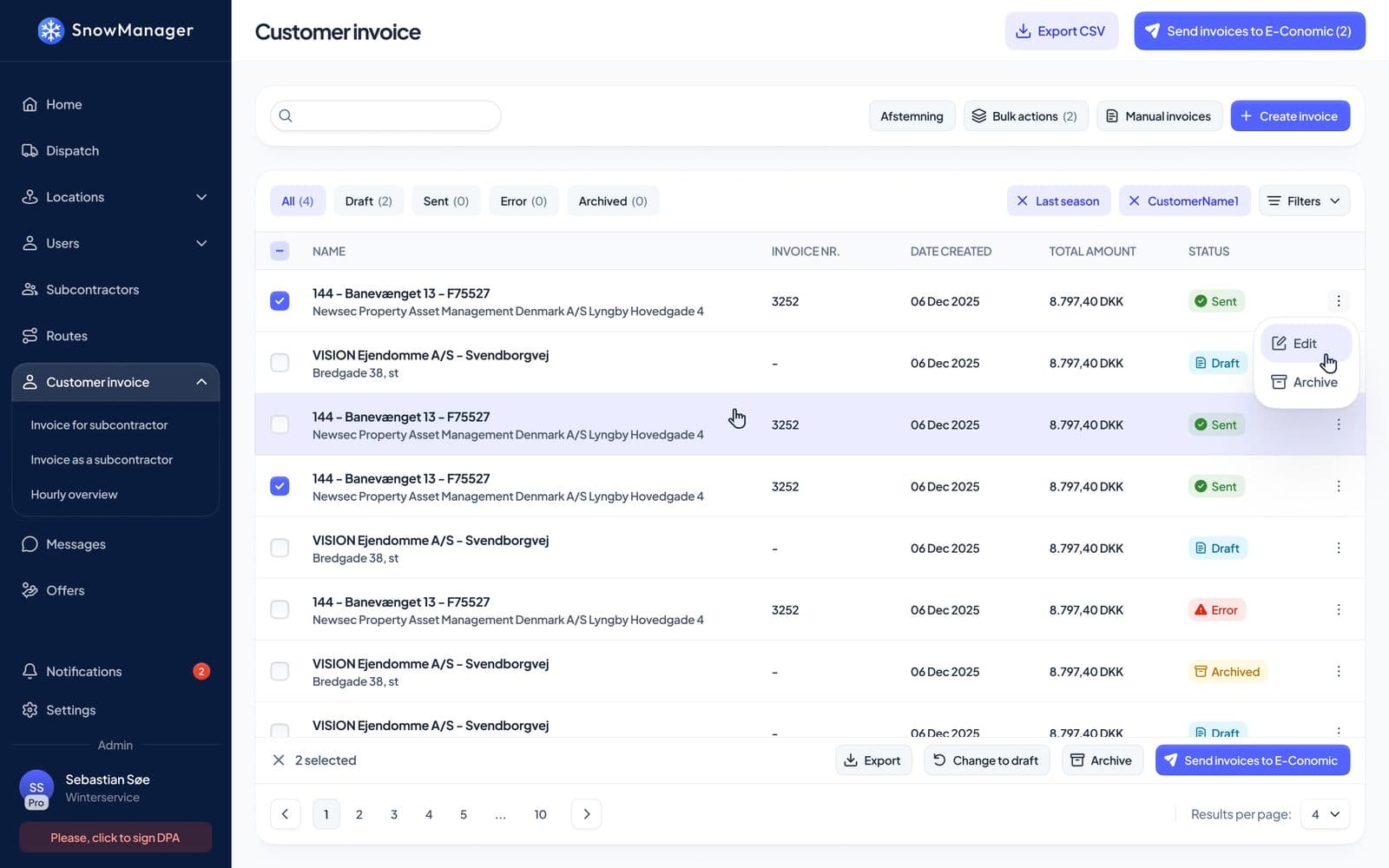
Every completed stop becomes an invoice line at the price agreed for that address. Review the drafts, settle with your subcontractors from the same work, and send the invoices to your accounting system.
 e-conomic
 Dinero
 QuickBooks Online
 QuickBooks Desktop
No more invoicing from paper and memory
The work your crews register is the work you bill.
- 1
The work is completed
A driver checks in and out at the address, by hand or automatically from GPS.
- 2
A line is drafted
The completed stop becomes an invoice line at the price that applies to that address.
- 3
You review the drafts
Edit, archive or add lines. Possible duplicates are flagged before anything goes out.
- 4
Send to accounting
Send the invoices to e-conomic, Dinero or QuickBooks with a click, or export them.
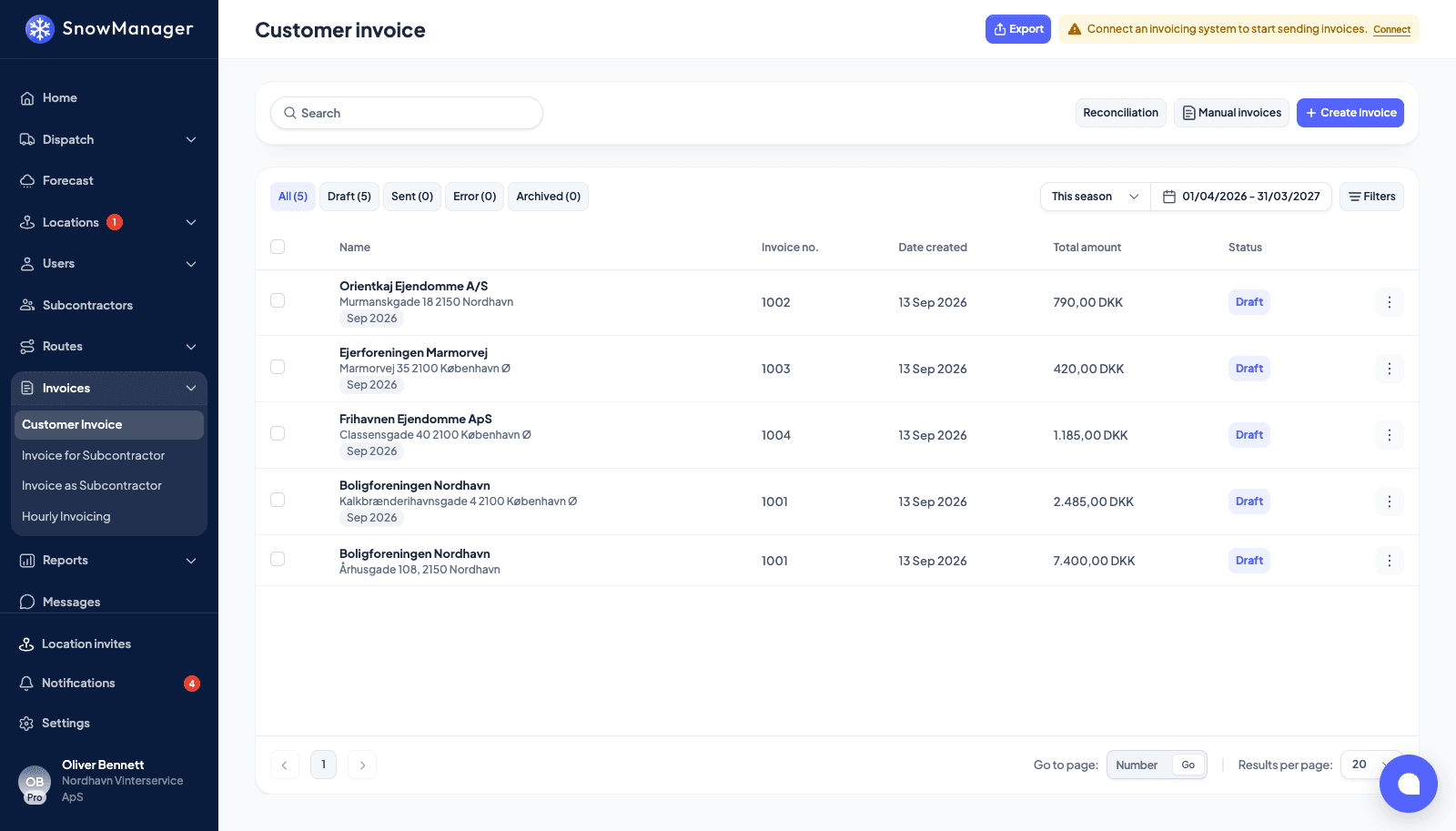
Invoice lines drafted from completed work
When a dispatch is done, every completed address becomes a line on a draft invoice. Nothing is billed from memory, and nothing slips through because someone forgot to write it down.
- Only completed stops are billed. Unable and removed stops stay in the history
- Collect lines into one monthly invoice per address or per customer
- A "Possible duplicate" flag when another dispatch billed the same address for the same work that day
- Change the work type or price on many lines at once
Price each address the way it was sold
Every address has its own pricing type, so one customer can pay per visit for plowing and a fixed season fee for another site.
- Per task: one line per completed visit
- Hourly: the time between check-in and check-out, to two decimals
- Per season: a season fee split into instalments
- Per task by snow depth: a price for each depth band
- No price yet: the work is documented and can be billed once a price is set
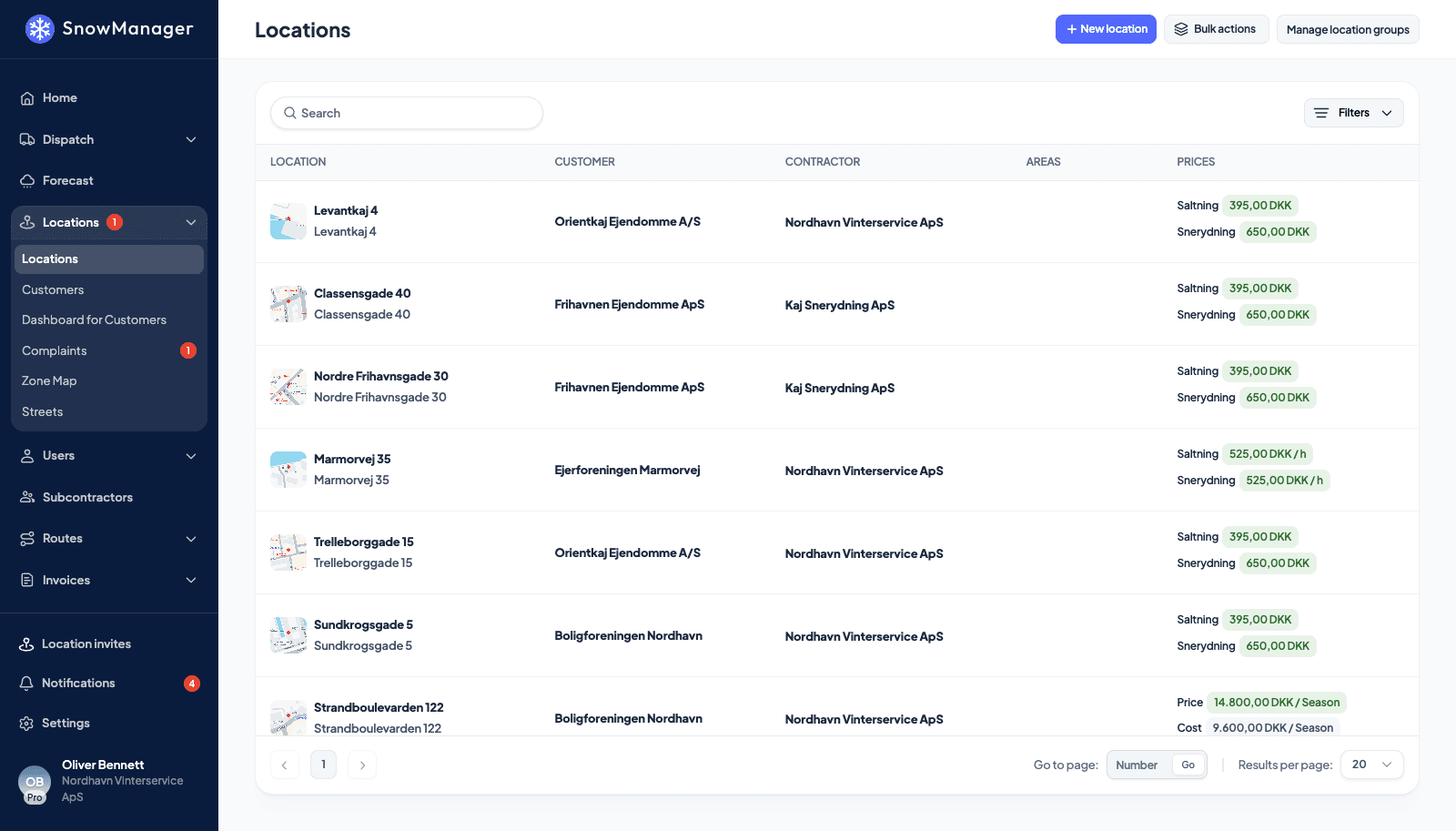
The right price on every line
SnowManager looks for the price in a fixed order, so special agreements win without anyone having to remember them.
- A price rule on the address for a period or schedule, such as holidays, comes first
- Then the address's own price for the work type
- Then the default price for the work type
- Materials and fees are billed separately on fee invoices
Which price applies
Price rule on the address
Holidays: $180 per visit
Address price
Salting: $140 per visit
Work type default
Salting: $120 per visit
Settle with subcontractors from the same stop
When a subcontractor does the work, the same completed stop drafts two lines: one on your customer's invoice at your price, and one on the subcontractor settlement at your cost.
- Invoices for your subcontractors, and invoices where you are the subcontractor
- Each business in the chain is priced from its own rates
- Change a line and choose to update its counterpart too
- See what each subcontractor earned and the margin between the two sides
Stop completed
Maple Court 12, Plowing
Checked in 04:12, checked out 04:58
Customer invoice
$320.00
Subcontractor settlement
$240.00
Offers priced from the map
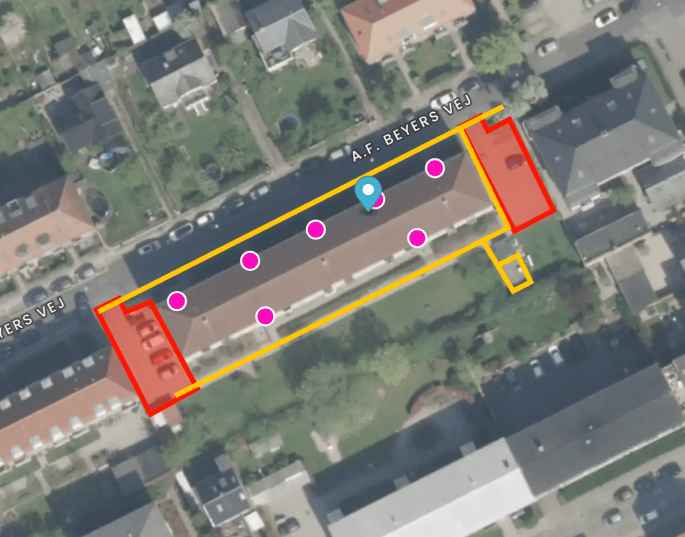
Draw the areas to clear on the satellite map, and the offer is priced from the measured area and your price tiers. When the customer says yes, the address is ready for routes and dispatch.
- The area is measured from what you draw
- Price tiers per work type, for your own crew or a subcontractor
- Download the quote as a PDF to send to the customer
- An approved offer becomes an address, priced as quoted
Connected to your accounting system
Send invoices where your bookkeeping already lives, and keep your customers in step.

e-conomic
Send invoices as drafts to e-conomic and import your e-conomic customers.

Dinero
Send invoices as drafts to Dinero and keep your contacts in step.
QuickBooks Online
Create invoices in QuickBooks Online, import customers and read payments back.
QuickBooks Desktop
Exchange invoices, customers and payments with QuickBooks Desktop through the Web Connector.
Sent invoices are locked against changes. If the accounting system refuses one, it is marked with an error so it can be corrected and sent again.
Everything else billing needs
The small jobs that eat an afternoon at the end of every month.
Seasonal invoices
Create season fee invoices for all addresses in one run, split into the agreed instalments.
Fee invoices
Bill materials and extra charges attached to an address on their own invoices.
Yearly price regulation
Raise customer prices, seasonal prices or subcontractor costs by a percentage across all addresses.
Bill completed work later
Set a price on an address that had none, and SnowManager offers to bill the work already done.
Manual invoices
Create an invoice for a customer by hand when work falls outside a dispatch.
Exports
Export invoice lines as CSV, and run reports such as invoice lines and a subcontractor overview per month.
More from SnowManager
Municipalities
Road routes, live coverage and street history for winter road maintenance.
GPS tracking and proof of service
Live map, automatic check-in at stops and an insurance report for every completed stop.
Driver app
Navigation, automatic check-in, photos and offline mode for every driver.
Subcontractors
Invite, dispatch and settle subcontractors from the same completed work.
Bill every job you do
Book a 30-minute demo and see how completed work turns into invoices in your accounting system.