
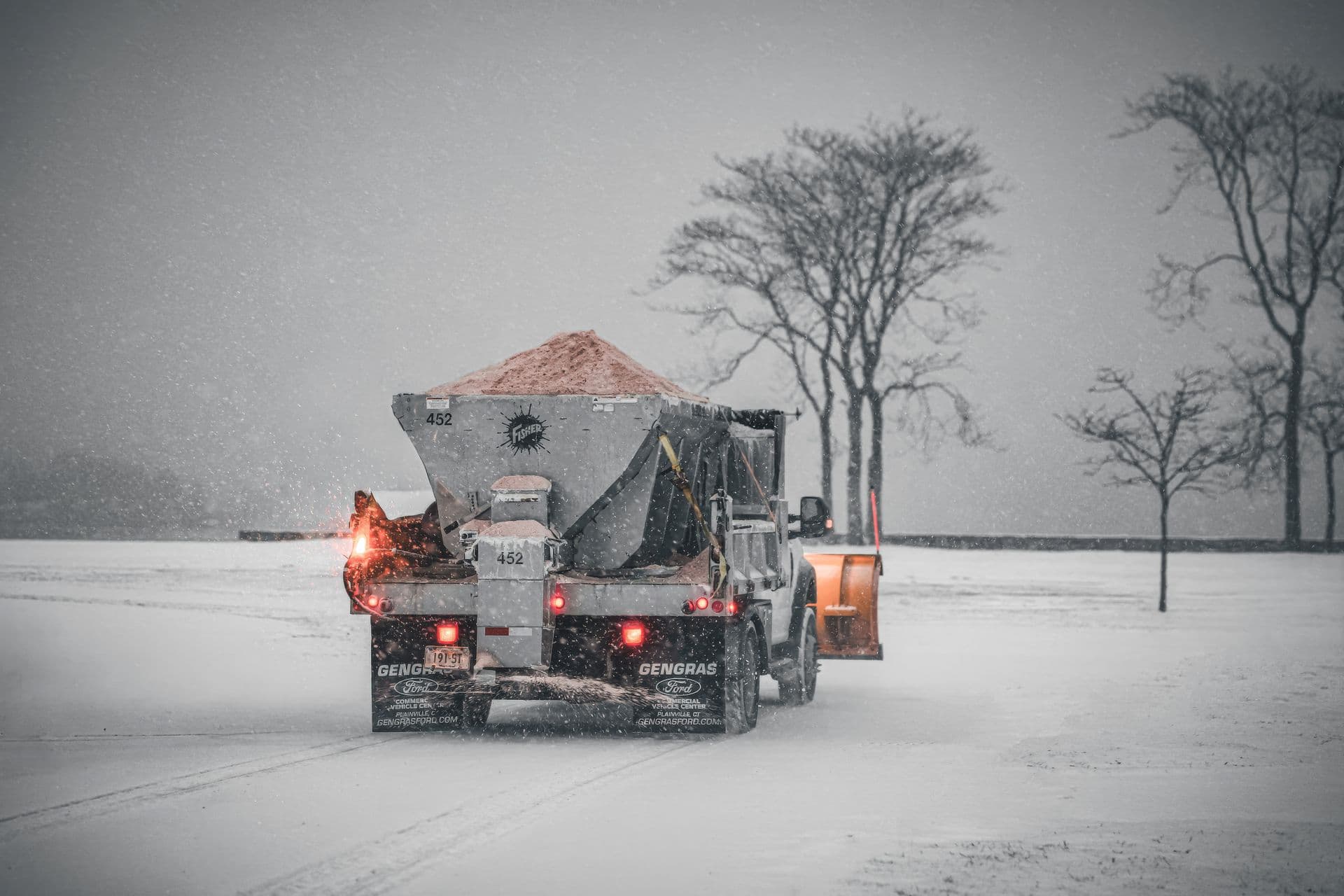
Walk into the office of a snow removal company in November and you can usually date its software stack by the number of screens open at once. One monitor has a spreadsheet of addresses. Another has a group chat with the drivers. There's a whiteboard with routes, a shoebox era of paper forms somewhere in a drawer, and an accounting program that has never heard of any of it. Everything works, sort of, until the first real storm makes everything happen at 2 AM at the same time.
So what software do snow plowing companies actually use? The honest answer is a spectrum: from nothing but phone and memory, through a patchwork of point tools, to dedicated snow management software that runs the whole operation. This guide walks through the categories, what each one solves, and how to tell what your company actually needs this season.
The Three Stages of Snow Plowing Software
Most companies move through three stages as they grow:
- Phone and paper. The owner knows every site, calls every driver, and invoices from memory and notes. It works up to a handful of crews, and it fails suddenly, usually mid-storm, usually the night the owner is ill.
- The patchwork. A spreadsheet for customers, a consumer map app for routes, a group chat for dispatch, a generic invoicing tool. Each tool is fine; the seams between them are where jobs get missed and hours get lost. Every storm night is a manual data relay between systems that don't talk.
- A winter operations platform. One system that holds the customers, the properties, the routes, the dispatches, the GPS trail, and the invoices, so each step feeds the next without retyping.
The rest of this guide goes category by category, because even if you buy one platform, you should know what jobs it has to do.
Offers and Sales: Winning the Work
Snow work is sold in autumn, and the bottleneck is quoting fast without guessing. Modern snow management software lets you measure a property by drawing the areas to clear directly on a map: the square metres come from the drawings, and price tiers per work type turn them into a quote in minutes instead of a site-visit-plus-spreadsheet afternoon. The offer goes to the prospect digitally, and approval activates the property in the system, so a won deal is instantly dispatchable rather than a re-typing job.
We cover the whole sales side, from site walk to signed contract, in a dedicated guide later this month.
Route Planning: The Pre-Season Build
Routes are the difference between a list of addresses and a plan a substitute driver can execute at 3 AM. Purpose-built routing tools for snow let you build a route on the map (click pins, or draw an area around a district and take everything inside it), drag stops into driving order or optimize by distance, lock fixed stops in place, and keep separate routes per work type, because a salting run and a clearing run are not the same route.
The deeper reasoning behind route order, priorities and storm-proofing is in our route planning guide.
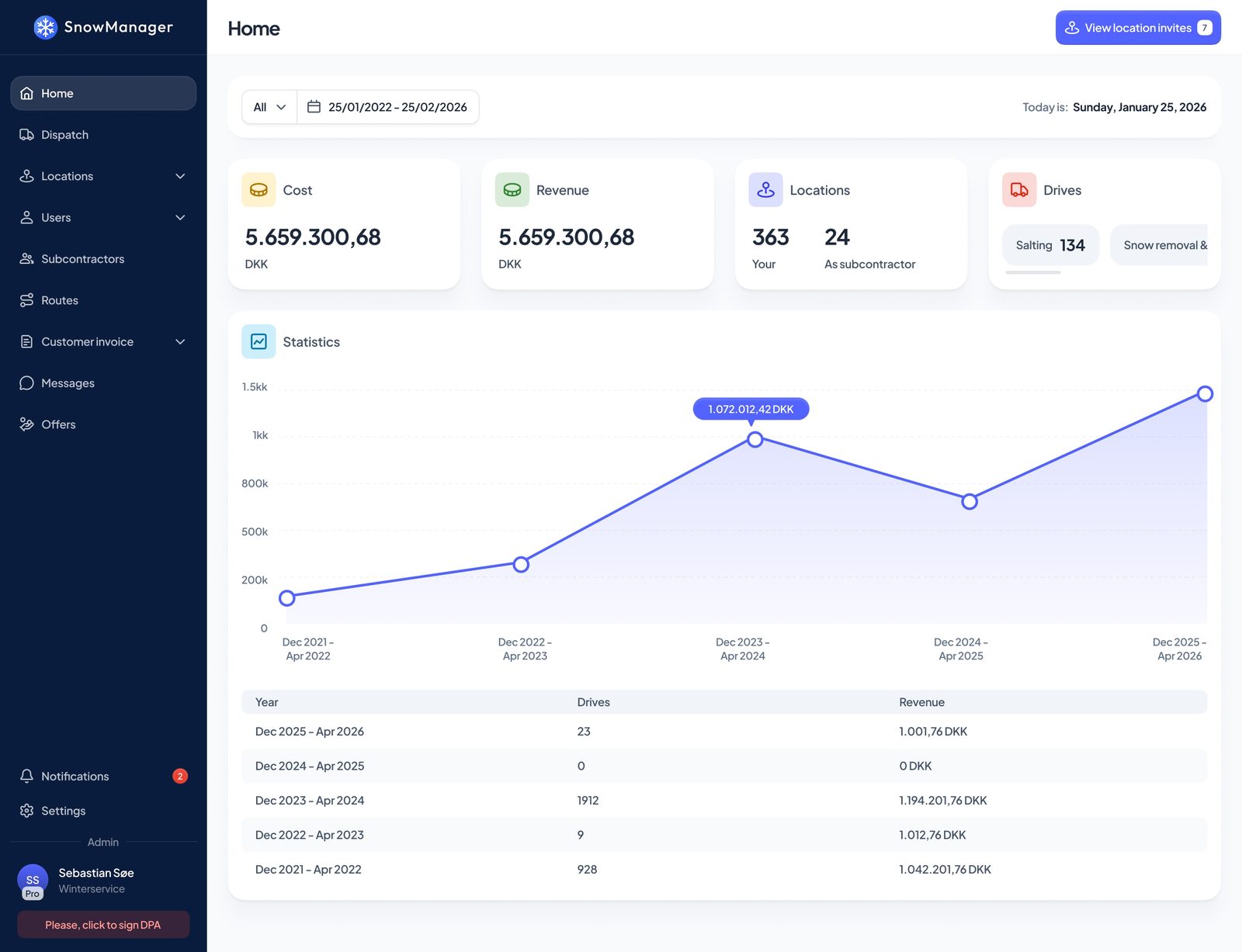
Dispatch: The Storm-Night Engine
Dispatch is where snow software earns its keep, because a snow night is a burst of hundreds of decisions under time pressure. A real dispatch system gives you three levels:
- Address dispatch for one-off jobs and call-outs.
- Route dispatch for the standard storm response: pick the routes, pick the work type, set the time, send. Every driver on the route is notified in the app.
- Zone dispatch for large operations: draw a district once, and one button dispatches everything inside it, working out which subcontractor holds which address and inviting each of them automatically.
Just as important is what a good system refuses to do: it won't dispatch an address whose service rules say "not on Sundays", it won't exceed an address's contracted visits per week or season, and it won't create two overlapping dispatches for the same snow night without asking you to merge them. Those guardrails are the difference between software that records your chaos and software that prevents it.
GPS Tracking and Driver Apps: The Field Layer
The office half of the system is only as good as what comes back from the field. The field layer is two things:
- A driver app where crews receive work, accept or decline it, navigate stop to stop, photograph results, and log their shifts. No printed route sheets, no "did you get my text".
- GPS tracking that stamps arrival and departure at every site automatically, so proof of service and hourly billing rest on recorded times rather than memory.
Both get their own deep dives soon (the crew app and plow tracking are the next two posts in this series). The short version: if your drivers still report by phone call, you are paying for a data entry department called "the office, the morning after".
Billing: From Completed Stops to Sent Invoices
Winter billing is where patchwork stacks hurt most, because the data that justifies an invoice (who was where, when, doing what) was born in the field and died in a text thread. In an integrated platform, confirming a completed dispatch drafts the invoice lines by itself: per-visit addresses get a line per completed stop, hourly addresses bill the recorded time on site, seasonal contracts run as scheduled instalments, and the whole month collects on one draft per customer for a human to review and send, straight into the accounting system.
Our guide to invoicing and proof of service covers this end of the pipeline in detail, and a dedicated billing-software post follows in this series.
Customer-Facing Software: The Portal
The most underrated category: letting customers see the work. A customer portal shows each customer their own properties, what is planned, what was done, the check-in and check-out times, and the photos, without a single "did you come last night?" phone call. Property managers with dozens of sites stop calling for status and start trusting the record. It's also a sales weapon: "you'll be able to see every visit with photos" wins contracts against competitors quoting from a beer mat.
What Size of Company Needs What
- 1 to 3 crews, no subcontractors. You can survive on the patchwork, but the driver app plus automatic proof of service is already worth it: billing disputes don't care how small you are.
- 4 to 10 crews, first subcontractors. This is where the patchwork breaks. Route dispatch, GPS trails and auto-drafted invoices typically pay for themselves in recovered admin hours alone; subcontractor settlement from the same records stops the end-of-month archaeology. Our guide to managing snow removal subcontractors is about this exact transition.
- 10+ crews or multi-area operations. Zone dispatch, subcontractor chains, per-address service rules, and exports for enterprise customers stop being nice-to-have. At this size the question isn't whether to run a platform, it's which one.
A Buyer's Checklist
When you evaluate snow plowing business management software, ask each vendor:
- Can I draw my properties? Areas on a map, per work type, feeding both the driver's view and the quote.
- Does dispatch understand snow? Routes and zones, work types, service rules, frequency limits, merge protection. A generic field service tool with a calendar is not a storm tool.
- What does the driver actually see at 3 AM? Demo the app in the vendor's parking lot, not the boardroom.
- Where do check-in times come from? Automatic GPS stamps beat driver-entered times for both trust and effort.
- How does a completed dispatch become an invoice? If the answer involves exporting to a spreadsheet, keep looking.
- Does it handle subcontractors as first-class citizens? Separate businesses, their own drivers, settlement generated from the same records as your customer invoice.
- Does it talk to my accounting system? Direct integration or clean exports.
Field note: the best evaluation is one storm, run in parallel. Keep your current process, mirror the night in the trial system, and compare the morning after: which one can tell you, in one minute, what happened at any address at 02:40?
Conclusion and Next Steps
Snow plowing companies use everything from memory to full winter operations platforms, and the honest answer to "what should we use?" depends on crew count, subcontractors, and how much of your margin currently leaks through the seams of a patchwork. What doesn't vary: the work happens at night, the proof has to be automatic, and every retype between systems is a place money gets lost.
SnowManager was built as the one-platform answer for snow and winter services: offers, routes, dispatch, GPS, driver app, portal and billing in one system. Book a demo and bring your messiest storm night; see pricing for what it costs, and the feature overview for the full map.