
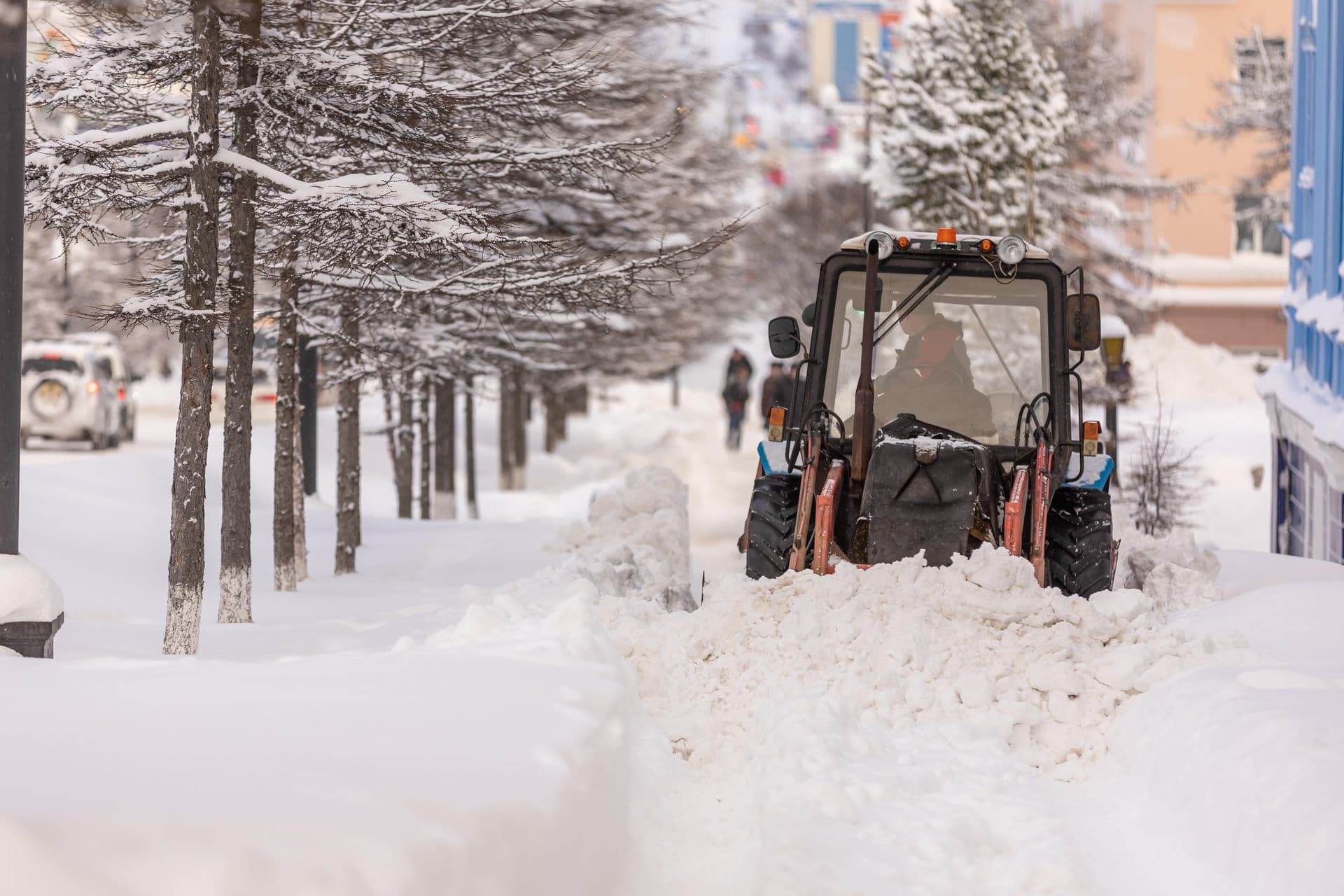
Scheduling software was invented for work that agrees to be scheduled. A cleaning visit every Tuesday, an inspection on the first of the month: pick a slot, put it in the calendar, done. Snow does not agree to anything. The "schedule" is a forecast that changes hourly, the trigger is a centimetre threshold in a contract, and when the trigger fires, two hundred jobs need to exist immediately, in the right order, on the right crews' phones.
That's why generic scheduling software loses its shape the first real night of winter, and why snow removal scheduling software is its own category. This guide covers what actually needs scheduling in a snow operation, and the machinery that turns "it's snowing" into dispatched, accepted, trackable work in minutes.
The Calendar Is Not the Trigger
In snow work, the contract defines conditions, not appointments: service at 2 cm, salting on ice risk, cleared before 06:00, at most three visits a week. Your scheduling system has to represent those conditions, because the schedule is really a giant conditional: when the weather does X, this set of properties gets this work type, in this order, by these crews.
So the pre-season job isn't filling a calendar. It's building the structures that let one decision ("we go at 01:00, salting") explode into hundreds of correct jobs: routes in driving order, zones for whole districts, rules on every address that say when it must be serviced and when it must not.
Three Sizes of Dispatch: Address, Route, Zone
A dispatch is the unit of "go": it says where, when, and what work type. Snow operations need it in three sizes.
- Address dispatch: one or a few properties. The call-out, the extra request, the complaint follow-up.
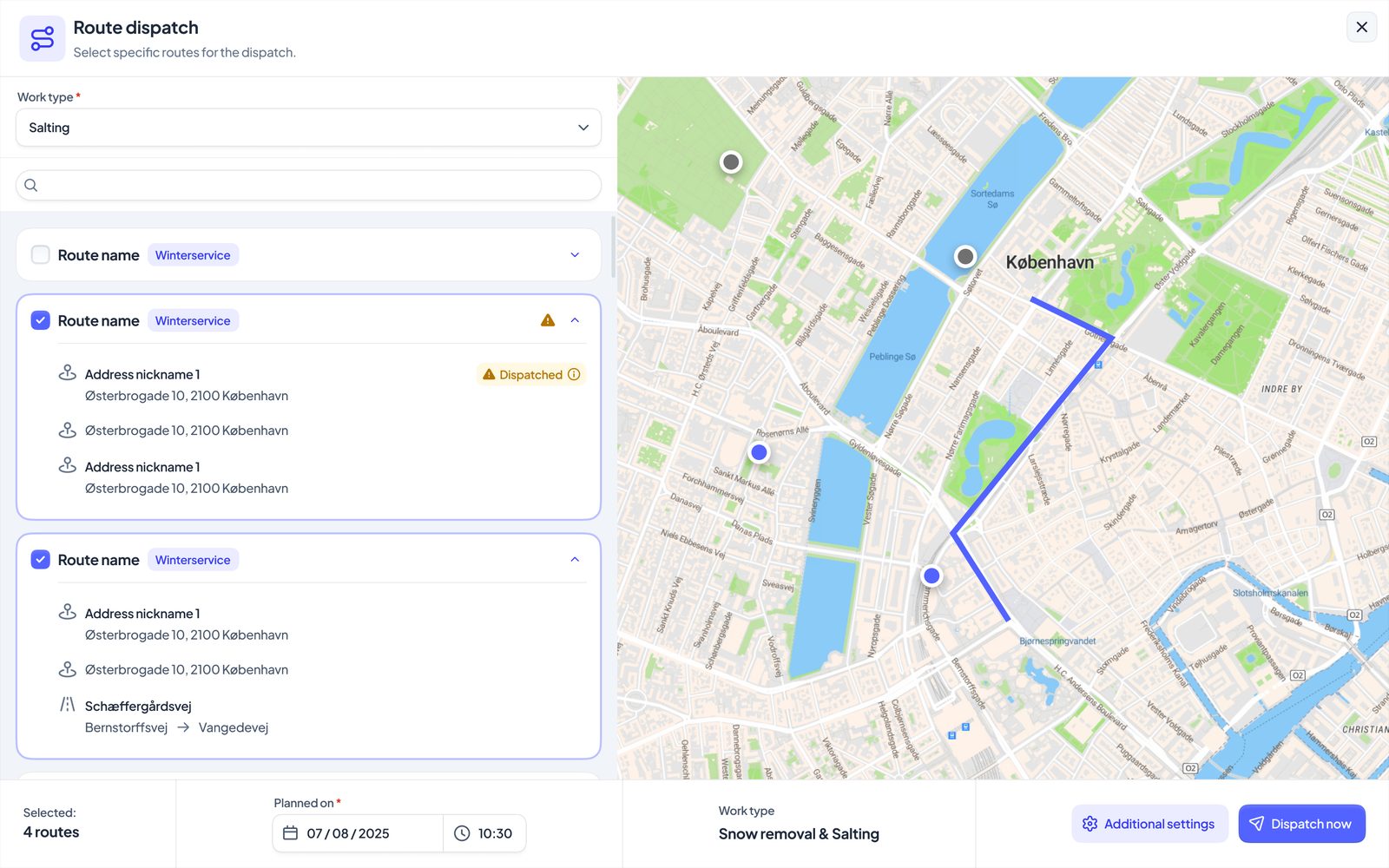
- Route dispatch: the standard storm response. Pick routes, pick the work type (salting and clearing are different dispatches with different routes, as covered in the route planning guide), set the planned time, confirm. Every driver on each route is invited instantly; a stand-in can be swapped in for tonight without touching the route's permanent crew.
- Zone dispatch: everything inside a drawn district, whoever services it. More on this below, because it's the feature that changes how large operations run.
There's also the humble but essential fourth kind: manual registration of work that already happened, because sometimes the tractor went out before anyone touched a computer, and the record still needs to exist for billing.
The Rules That Say No for You
Half of scheduling is preventing work. Every address can carry service rules, and the dispatch engine applies them at creation time, automatically:
- Exclusion rules: not on these days, not in these hours, tied to a holiday calendar if needed, for some or all work types. Dispatch a route of twelve at a time an address's rule forbids, and you get eleven stops plus one clearly marked "excluded by rule", with the rule's name attached.
- Frequency limits: at most N visits per day, week, month or season, counted against planned dispatches. When the contract says three saltings a week, the fourth dispatch that week simply drops the address and says why. Weeks run Monday to Sunday; seasons follow your configured season range.
- Active periods: an address outside its active window (the contract ended in March, the new one starts in November) drops out of route and zone dispatches on its own.
This is the part spreadsheet operations can't replicate: the spreadsheet remembers the rule, but a tired dispatcher at 1 AM applies it, or doesn't. Moving the "no" into the engine converts contract terms from tribal knowledge into behaviour. And every excluded stop is shown with its reason, not silently dropped, so the dispatcher can override reality when reality demands it.
One Snow Night, One Dispatch
Here's a failure mode every growing operation hits: the 22:00 salting dispatch, then the 02:00 "extra" dispatch that half-overlaps it, and by morning the same address has two stops, two check-ins, and two invoice lines for one visit, followed by a customer email you'd rather not have received.
Scheduling software for snow has to actively resist duplication. When a new dispatch overlaps an existing one (same work type, planned within a few hours, not yet finished), the system asks: collect into the existing dispatch, or genuinely create a second run? Inside one dispatch, an address is never there twice; if two overlapping routes both cover it, it's one stop that both crews see, completed once and invoiced once. And when a business whose addresses you service has already dispatched them, you're invited to join their dispatch rather than creating a parallel one.
Field note: "one snow night, one dispatch" is also what makes the morning readable. Yesterday's question is "what happened last night?", and the answer should be one screen, not a reconciliation of three overlapping dispatches.
Zone Dispatch: The Whole District in One Press
For operations with dozens of routes and multiple subcontractors, even route-by-route dispatching is too slow at 1 AM. The answer is drawing zones once, in the calm of autumn: a polygon around the north side of town, another around the industrial district.
When the storm comes, dispatching a zone does the whole cascade automatically: find every address inside the shape; work out which business is currently responsible for each one (you, or the subcontractor it's assigned to); invite each of those businesses; pull in each business's routes that touch the zone, activating only their stops inside it; apply every service rule and frequency limit; skip what's already on a matching active dispatch; attach each route's drivers. Your own crews are live immediately; each subcontractor's slice goes live when they accept, and you watch the acceptances land as pills on the dispatch: awaiting, accepted, declined.
One decision, one press, an entire district's night launched, with the rulebook applied uniformly. It can even phone the duty manager as it goes out, if you've turned that on. That's what scheduling means in this industry: not placing appointments, but pre-building the machine that converts a weather call into work.
Scheduling People, Not Just Work
The other half of the night is who's available. Crews on routes are the standing answer, per-dispatch driver swaps handle tonight's exceptions, and explicit accept/decline from every invited driver (covered in the crew app guide) means the plan's holes show up at dispatch time, not at sunrise. Shifts recorded in the same system close the loop: the night that was scheduled is also the night that gets paid.
For the subcontractor side of "who", from onboarding to settlement, see managing snow removal subcontractors.
Conclusion and Next Steps
Snow removal scheduling software isn't a calendar with snowflakes on it. It's trigger-based dispatch in three sizes, a rulebook that enforces every contract's when-and-how-often automatically, duplication resistance that keeps one snow night as one dispatch, and zones that launch a district in one press. Build the structures in autumn; press the button in winter.
That's the scheduling engine inside SnowManager, end to end. See how the whole platform fits together in What Software Do Snow Plowing Companies Use?, or book a demo and bring a real storm from last season; we'll run it through zones and rules and show you the morning after.